
Basketball Dunk AI: One Photo, One Dunker
One photo is all you need
An example of the photo you can upload.
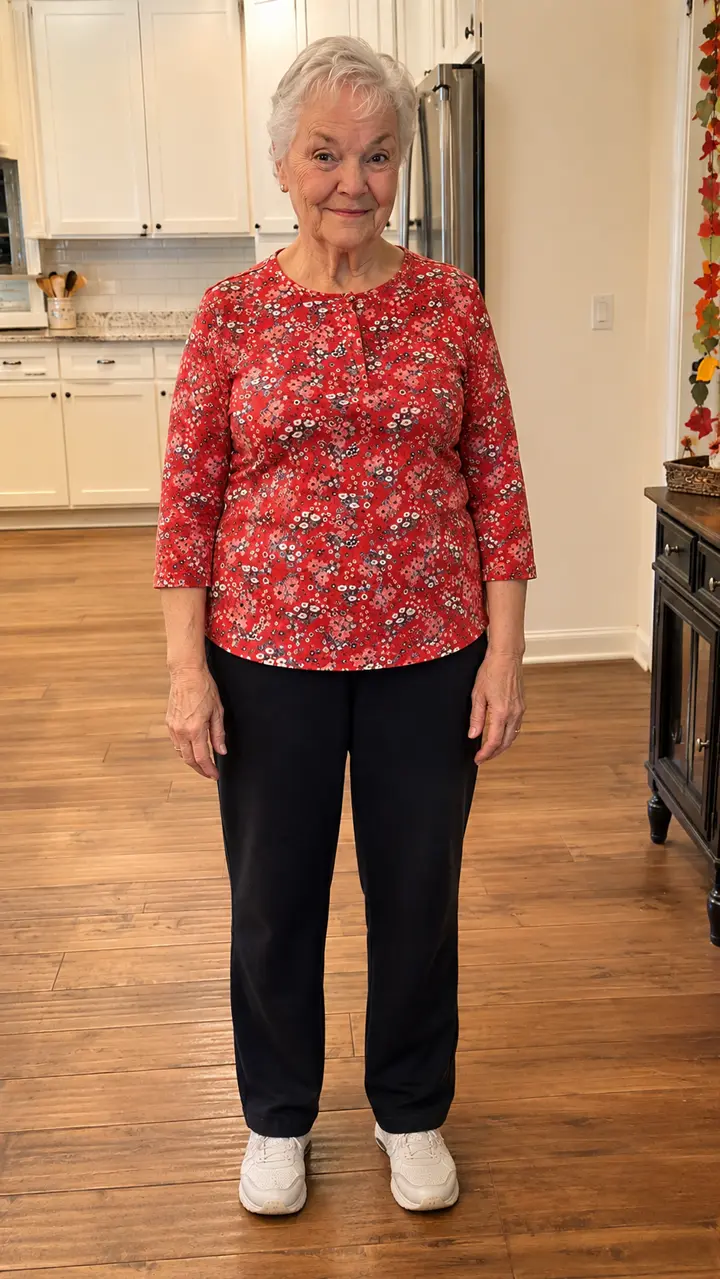
Watch the demo, then upload one photo to create your own version. Your photo guides the character’s appearance. Our template guides the dunk and camera movements, with AI-generated music included.
- A complete dunk sequence
- Watch the approach, takeoff, slam dunk and celebration in a complete 15-second video.
- Your photo, your dunker
- Use a single photo to guide the main character’s face, outfit and body proportions. Identity and clothing details can vary during generation.
- The dunk is already choreographed
- Our template guides the action and camera movements, so you don’t need to write a prompt.
- Sound included
- The finished MP4 includes music generated by the video model. Review the audio before sharing or adding another track in an editor.
How the Dunk AI Template Works, Shot by Shot
Six moments. One 15-second basketball dunk. Frames from the AI-generated demo.
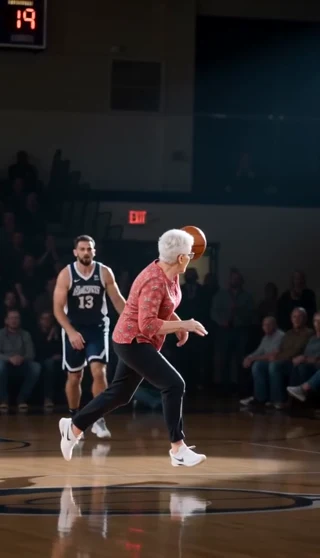
On the court
Your character steps onto a basketball court surrounded by fans.
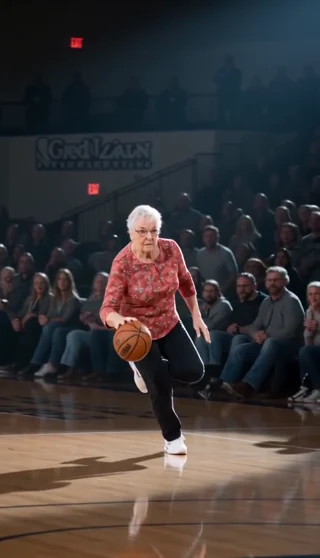
The approach
Dribble down the court and drive toward the hoop.
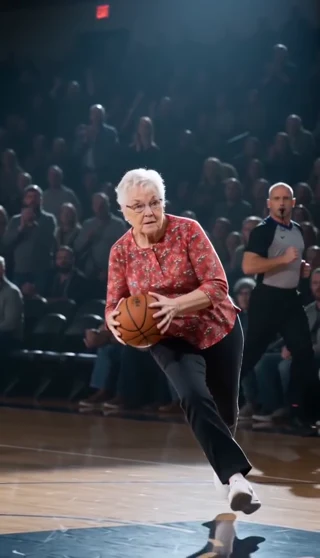
Gather the ball
Secure the ball with both hands before takeoff.
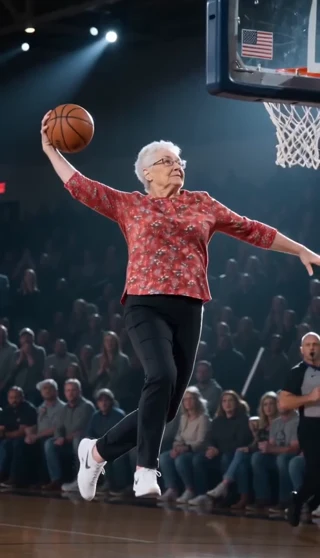
Take flight
Rise into the air and reach toward the rim.
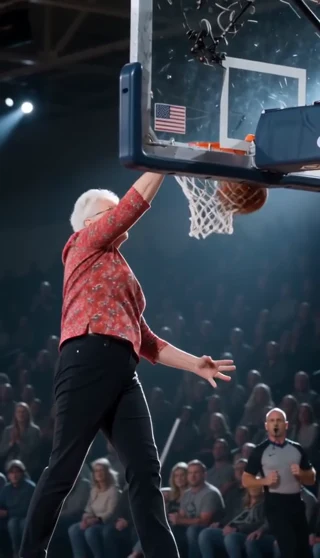
The slam dunk
Finish above the rim with a one-handed slam.
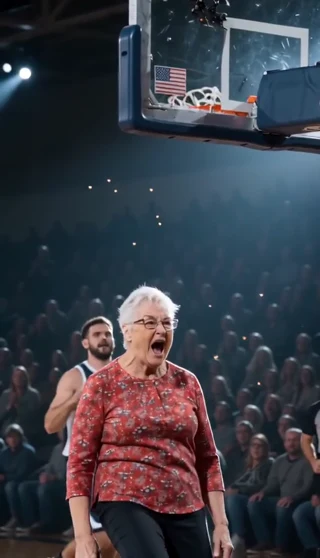
The reaction
Land back on the court and celebrate the dunk.
How to Make a Basketball Dunk AI Video in 3 Steps
1. Upload your photo
Add one clear photo of the person you want to see dunk. A well-lit, full-body image helps show the face, outfit and body proportions. Use one person per photo.
2. Choose quality and format
Choose Standard 480p or HD 720p, then pick portrait, landscape or square. The template provides the basketball court, approach, jump and camera sequence.
3. Generate your dunk video
Generate your full 15-second dunk video, or try a free 4-second preview if your account is eligible. Check progress and download your finished MP4 in My creations.
What Is the Basketball Dunk AI Trend?
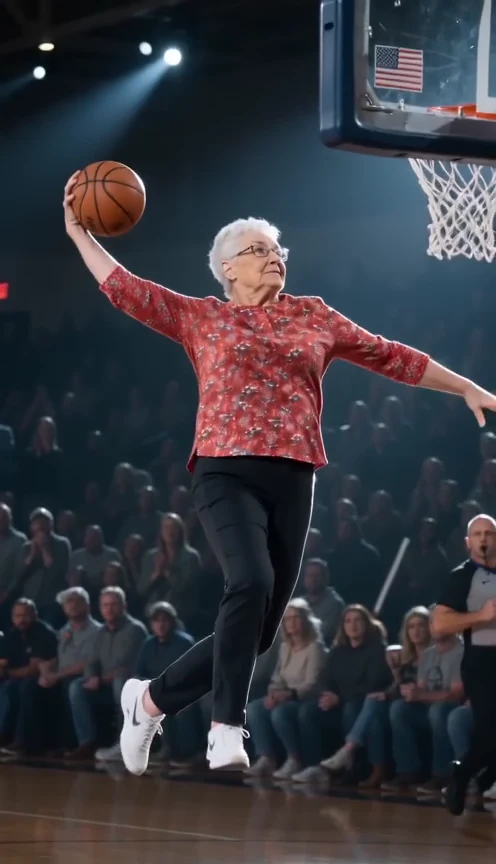
The basketball dunk AI trend turns an ordinary photo into an unexpected slam dunk moment. The fun is seeing someone you’d never expect—your friend, your mom, or even your grandma—take off and dunk like a pro. These playful edits have become a hit on TikTok, where creators like @isabellacapcut have shared several viral dunk videos.
Want to join the trend? Upload a photo to Dunk AI and turn yourself or a friend into the star of a 15-second basketball highlight, complete with dribbling, a slam dunk, and music. No filming, prompt writing, or video editing needed.
Make my dunk videoHow Much Does a Basketball Dunk AI Video Cost?
Credit packs start at $9.99. A full 15-second video costs 100 credits in Standard 480p or 200 credits in HD 720p. Larger credit packs offer a lower cost per video.
Free preview · 4 seconds
Eligible new accounts can try one free preview at Standard 480p, subject to availability. The preview shows the opening 4 seconds and may not include the dunk.
Make my dunk videoFull video · 15 seconds
Your dunker, from the opening approach to the finish at the rim.
- Standard · 480p
- 100 credits
- HD · 720p
- 200 credits
Basketball Dunk AI: Frequently Asked Questions
What does Dunk AI do?
It creates an AI basketball dunk video from a single photo using our dunk template. Your photo guides the character’s appearance, while the template guides the action and camera movements on a basketball court. Results may vary.
How many photos do I need?
You need one photo with one person in it. A clear, full-body photo works best because it shows the face, outfit and body proportions.
What kind of photo works best?
Choose a sharp, evenly lit photo with a clearly visible face. Avoid heavy blur, strong shadows, covered faces and group photos. Upload a JPG, PNG or WebP file up to 10 MB. Both the width and height must be between 300 and 6,000 pixels.
Will my character stay recognizable during the dunk?
Dunk AI aims to keep the person recognizable throughout the video. Details may change during fast movement or when the face is partly hidden, so review the full result before sharing.
Do I need a basketball video or a prompt?
No. Just upload your photo and choose your settings. Our template guides the dunk and camera movements, and the finished video includes AI-generated music.
Will the video keep my outfit and photo background?
The template aims to preserve the person’s outfit and accessories from the photo. It replaces the photo background with the indoor basketball court. Exact clothing details and likeness can vary.
Will my video follow the same dunk sequence as the demo?
Yes. Your video follows the demo’s approach, jump, dunk and celebration, with your photo guiding the character’s appearance. Exact movements and details may vary.
Does my AI dunk video include sound?
Yes. The finished MP4 includes music generated by the video model. Your photo guides the character’s appearance; it does not clone the person’s voice. Check the included audio before adding a separate track.
How long is the video, and what can I download?
The full video is 15 seconds long and can be downloaded as an MP4 with sound. Choose Standard 480p or HD 720p, with a portrait (9:16), landscape (16:9) or square (1:1) format. The free preview is 4 seconds long at 480p.
Can I try Dunk AI for free?
Eligible new accounts can generate one free 4-second preview at 480p, subject to availability. The preview shows the opening 4 seconds and may not include the dunk. The full 15-second video uses credits.
How much does a full dunk video cost?
Standard 480p costs 100 credits; HD 720p costs 200 credits. Both create a full 15-second video. Credit packs start at $9.99; see the pricing page for the current packs.
How long does generation take?
Generation usually takes 3–5 minutes. You can leave this page and check your video in My creations when it’s ready.
What happens if generation fails?
If generation fails or is canceled, the credits used for that video are returned to your balance. If your free preview fails, you can try again. Videos marked as queued or pending are still being processed.
Can I use someone else’s photo?
Use another person’s photo only with their permission. Ask for consent before uploading it and sharing the result. Do not present the AI-generated dunk as a real recording or endorsement.
Is the generated dunk a real basketball performance?
No. The output is an AI-generated scene guided by a photo and a prepared basketball reference. It does not show the person in your photo performing a real dunk. Make that clear when sharing the clip.
Your Dunk Video Starts with One Photo
Upload your photo, choose your format and create your own dunk highlight.